

Migrating to Windows 11 is a critical step for businesses, but it raises questions. The main issue facing businesses when migrating to Windows 11 is hardware compatibility.
Windows 11 has strict requirements, including the presence of a TPM module and other technical prerequisites that exclude many existing equipment. W360 provides an innovative solution to overcome these challenges. In this article, Bastien Collas, Chef de Projet chez Wisper avec 11 ans d’expertises dans cette technologie, partage son analyse des enjeux et des réponses offertes par W360.

"Many current IT parks are not compatible, which complicates the migration. Windows 11 imposes hardware requirements, such as a TPM module, which many computers lack.”
This problem generates significant costs, as companies must consider a replacement of their IT equipment.
Grâce à sa technologie de virtualisation, W360 surmonte cette limitation en activant des fonctionnalités comme le TPM, même sur des équipements non compatibles nativement.
« Avec W360, on utilise une couche de virtualisation capable d’activer la partie TPM même sur un matériel non compatible. Cela permet de prolonger la durée de vie des équipements tout en assurant une compatibilité avec Windows 11. »
This mechanism offers an economic and sustainable alternative, allowing companies to maximize their technological investments.
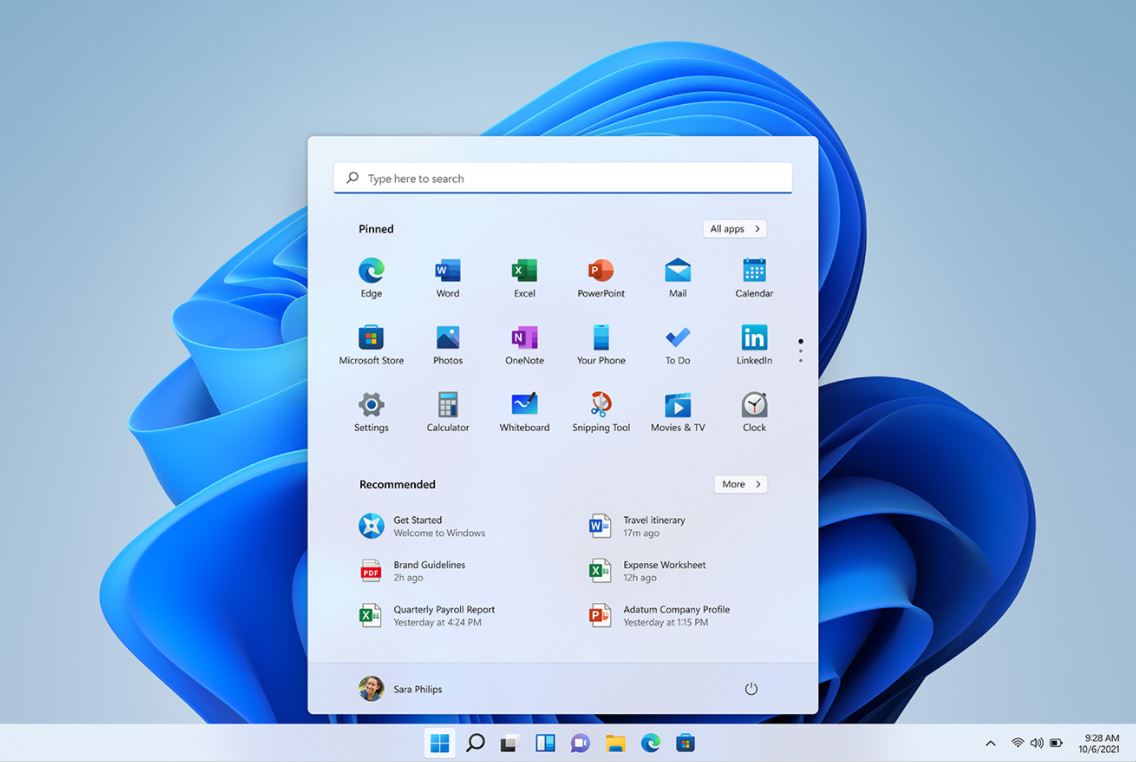
Image source: BlogDuModerateur.com
Upgrading to Windows 11 is often considered a complex and invasive process. Data backup, system re-installation and reconfiguration of each workstation are time consuming and disruptive to users.
Bastien describes this reality:
"Migrating from Windows 10 to 11 involves taking the workstation, backing up the data, reinstalling a new system and then reconfiguring everything. This process is time consuming and costly.""
This traditional method overloads IT teams and slows down employee operations.
With W360, the process is simplified and centralized. The IT administrator prepares a Master virtual machine incorporating Windows 11 and all necessary configurations. Once validated, it is deployed on all machines with a few clicks.
“Users restart their computer, and the new version is available without interruption or wait.”
This centralized management reduces downtime and frees IT teams for more value-added tasks.
The centralization of master management makes it possible to simplify updates that could not be deployed on all workstations. The update is deployed on the master and then deployed to the stations. The security interest is the read-only mode, it eliminates the risk of virus spread. In the event of an attack, a restart is all it takes to clean up the system.”
En centralisant les environnements sur un Master sécurisé et en utilisant un mode Read Only, W360 limite considérablement ces risques.
This approach ensures business continuity while minimizing losses from security incidents.
Between hardware replacement, technical intervention costs and employee downtime, migrating to Windows 11 can quickly become a financial burden.
W360 significantly reduces these costs. On the one hand, virtualization allows to extend the life of existing equipment, thus avoiding expensive replacements. On the other hand, technical interventions are minimized through centralized management. Bastien shares an example:
“Technicians don’t need to travel for simple tasks like relocation because everything can be done remotely.”
In addition, some companies use the action planning functionality to reduce their energy expenditures.
« Certaines écoles programment les arrêts automatiques des postes la nuit via W360, économisant ainsi sur les factures d’électricité. »
Enfin, les entreprises cherchent de plus en plus à aligner leurs choix technologiques avec leurs objectifs de corporate social responsibility (CSR). However, traditional IT migrations are often synonymous with technological waste and high ecological footprint. Bastien notes:
En prolongeant la durée de vie des équipements via la virtualisation, W360 contribue à une informatique plus durable.
“We contribute to companies’ CSR efforts by reducing technical travel, extending equipment life and scheduling energy-saving shutdowns.”
This approach helps companies reduce their environmental impact while optimizing their budgets.
Avec W360, les entreprises trouvent une solution complète pour répondre aux défis techniques, financiers et environnementaux de la migration vers Windows 11. Cette technologie hybride-cloud transforme une contrainte en opportunité, en alliant efficacité, sécurité et durabilité.
 Need help migrating to Windows 11? Contact our experts !
Article written by Valeri Venda