Desktop virtualization allows companies to offer a flexible and secure IT environment for their employees, accessible from any device (desktop computer, laptop, tablet, etc.). Whether you are a private company, community or educational institution, this solution optimizes IT management and improves security. Discover our ranking of the leading virtualization solutions available on the market and make the best choice for your organization.
Here are the best desktop virtualization softwares:
– W360,
– VMware Horizon,
– Citrix DaaS et Citrix Virtual Apps & Desktops,
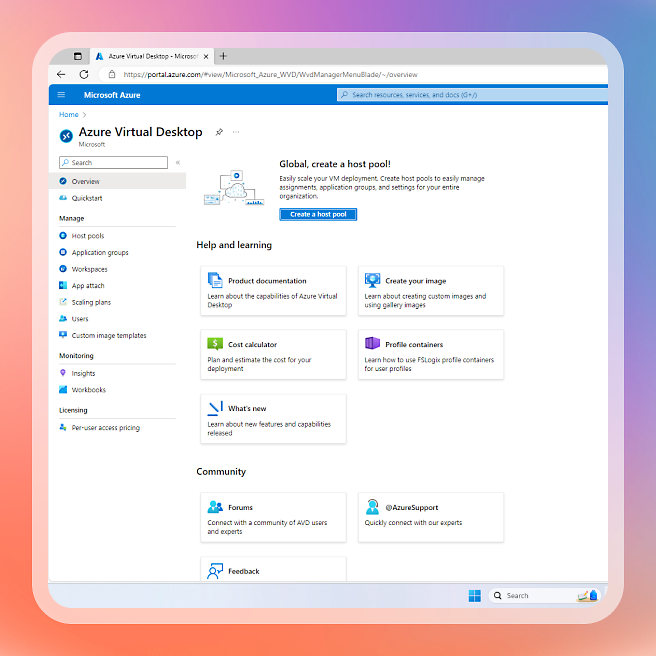
– Azure Virtual Desktop,
– Amazon WorkSpaces.

Founded 18 years ago, Wisper est une entreprise française specialized in desktop virtualization. Its flagship software, W360, se distingue par une approche innovante : une virtualisation sans infrastructure serveur. This means that no dedicated server is required, simplifying management and reducing installation and maintenance costs.
– Simplicité d’installation et d’utilisation : No server is required, which relieves the technical complexity and costs.
- Enhanced security : Wisper Core (OS) ensures optimal protection of virtualized environments.
- Substantial savings : Up to 40% OFF management and maintenance of workstations.
- Centralized updates : The entire computer park can be updated simultaneously.
– Flexibility : Compatible with Windows and Linux.
– Solution less known internationally than its competitors like VMware or Citrix.
– Some companies with an existing server infrastructure may not take full advantage of the serverless model.
– Essential : €6.99/user/month for 12 months
– Advanced : €14.99/ user/month for 12 months
– Unlimited : €21.99/ user/month for 12 months
Retrouvez toute la tarification de W360 sur son site Wipser.io.
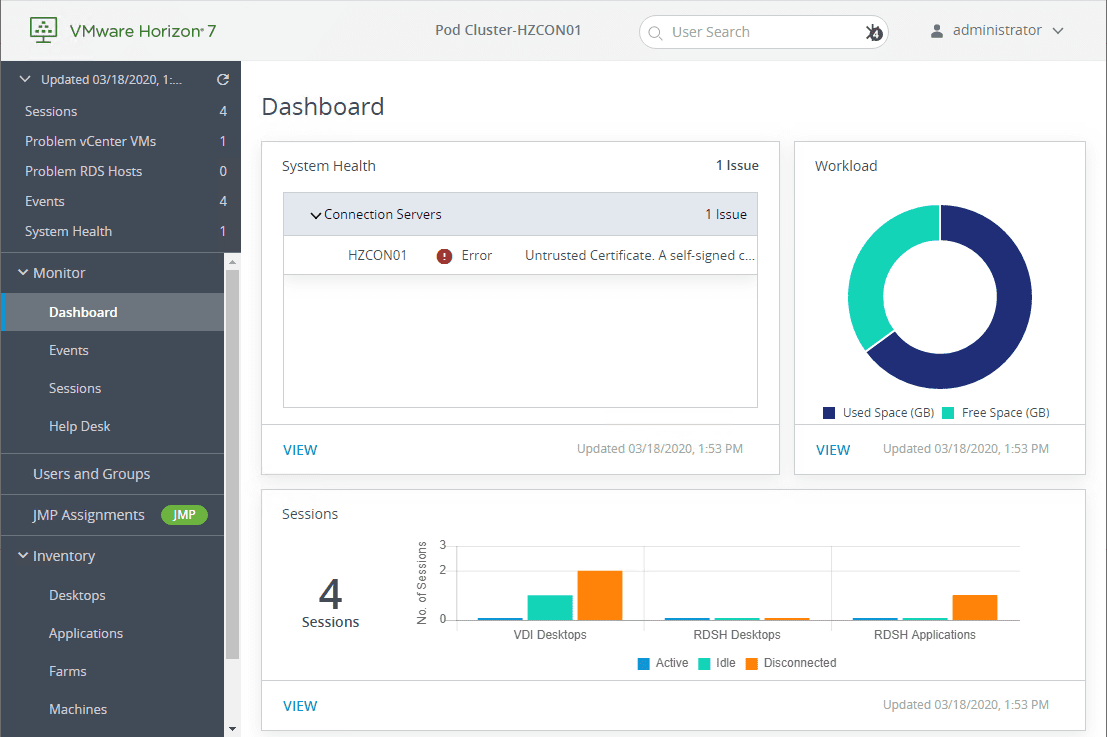
Image source: Virtualizationhowto.com
VMware, a Californian company founded in 1998, is a global reference in the field of virtualization. VMware Horizon (newly Omnissa Horizon) is a robust and widely adopted solution.
- Good reputation : Proven solution with many business customers.
- Integration with other VMware products : Consistency with existing cloud and on-premise infrastructure solutions.
- Complex configuration : Requires technical expertise for deployment and management.
- Very high cost : Less accessible for small and medium-sized structures.
VMware Horizon is sold as a perpetual license in batches of 10 users, either by named user mode or in simultaneous user mode.
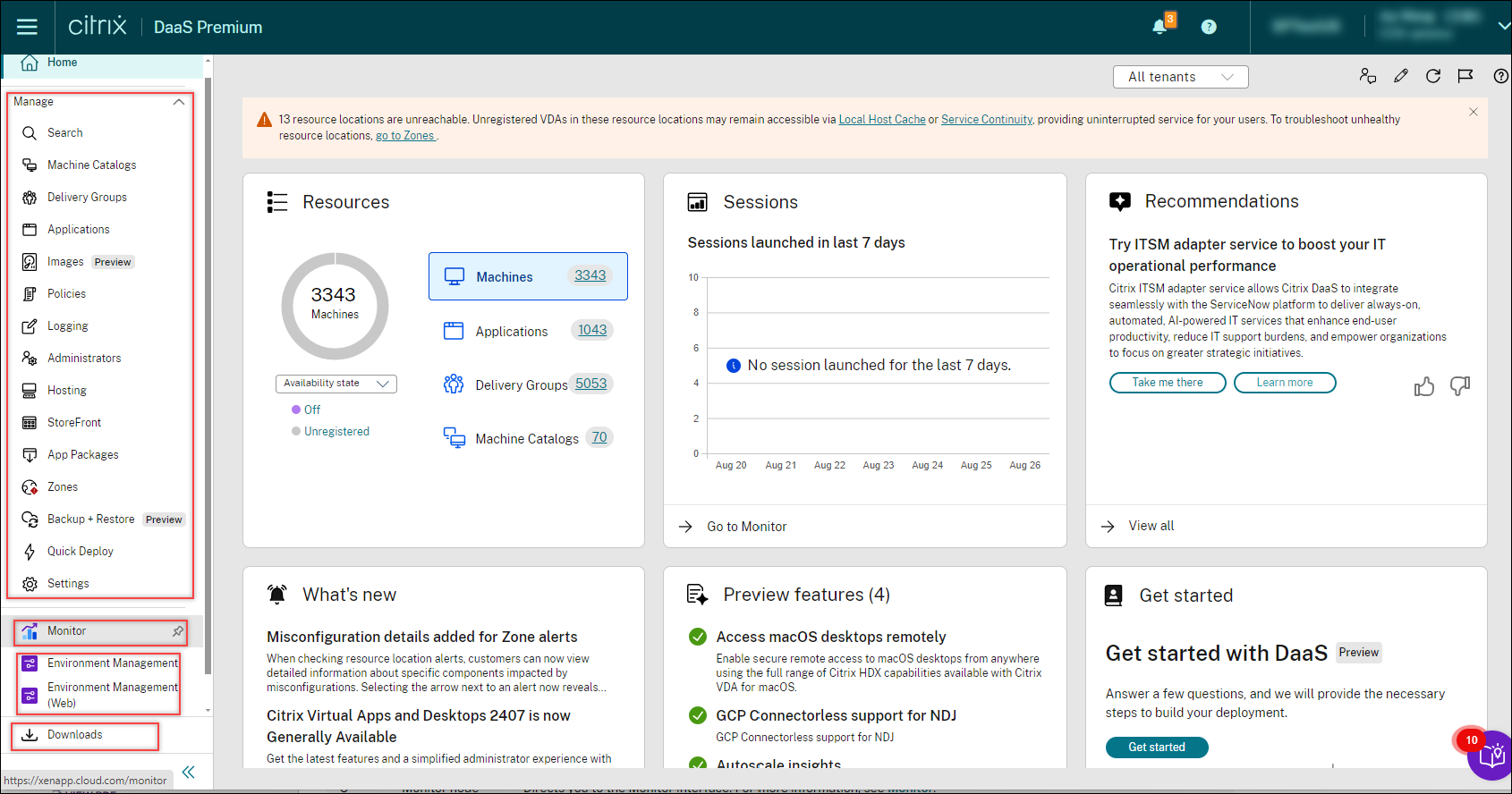
Image source: Doc.citrix.com
Citrix, a US company, offers several virtualization solutions, including Citrix DaaS (Desktop as a Service) and Citrix Virtual Apps & Desktops. These solutions allow companies to host their virtual offices in the cloud.
– Flexibility : Several offers adapted to the needs of companies of all sizes.
– Grande notoriété : Citrix is one of the historical leaders in virtualization.
- Complex configuration : Long time setting and requiring advanced technical skills.
- High cost : The rates are among the highest on the market.
– DaaS Advanced Plus : $6,500/month (based on a one-year subscription for 500 users)
– DaaS Premium : $10,000/month (based on a one-year subscription for 500 users)
– DaaS Premium Plus : $11,500/month (based on a one-year subscription for 500 users)
Image source: Azure.Microsoft.com
Formerly Windows Virtual Desktop, Azure Virtual Desktop is Microsoft’s solution for remote access to applications and desktops via the cloud Azure.
- Native integration with the Windows ecosystem : Ideal for companies already using Microsoft 365.
– Sécurité : Microsoft is committed to a high level of data protection.
- High license cost : The constantly evolving subscription of Windows 365 Business Premium.
- Microsoft dependency : Requires a Microsoft 365 subscription and paid Azure resources.
– Cloud Act issues : Data stored on Microsoft servers may be subject to US regulations.
– Included in some Microsoft 365 licenses.
– Billing based on consumption of Azure resources.
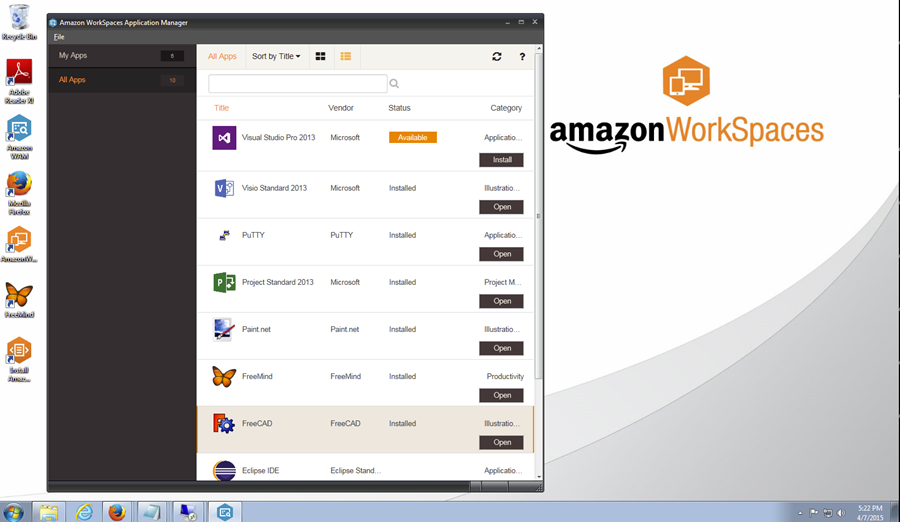
Image source: AWS.amazon.com
Amazon provides Amazon WorkSpaces, a virtual desktop offering based on the cloud AWS.
- Robust cloud infrastructure : AWS is one of the leaders in cloud computing.
- Lack of maturity : Newer solution with limited number of features compared to competitors.
- High reliance on AWS : Companies already using other cloud infrastructures may face integration difficulties.
- Variable and complex pricing : Costs fluctuate with usage and can become high.
– Not permanently communicated, depends on the use of AWS resources.
Among the various virtualization solutions W360 stands out for its simplicity of installation, controlled cost and innovative approach without a server infrastructure.. Unlike VMware Horizon and Citrix DaaS, qui nécessitent des ressources techniques avancées et impliquent des coûts élevés, W360 offre une alternative plus accessible et plus économique.
Azure Virtual Desktop and Amazon WorkSpaces are viable options for companies already anchored in ecosystems Microsoft and AWS, but they involve a high dependence on these infrastructures and often complex billing.
👉 With W360, enterprises benefit from simple, high-performance and secure virtualization without the constraints of traditional solutions. It is the best option to optimize the management of its computer fleet while achieving significant savings.
Article written by Valeri Venda