

Do you manage a computer park or the workstations of an organization? Whether you are a CIO or technician, this article is for you!
Discover a selection of software to optimize management, strengthen security and simplify the deployment of IT environments.
To choose your centralized management solution, see our previous article. Follow us and transform your IT management into a smooth and efficient process!
Here are the best centralized desktop management softwares:
– W360,
– VMWare Horizon / Onmissa Horizon,
– FOG Project,
– Microsoft Intune,
– ManageEngine ServiceDesk Plus,
– NinjaOne.

W360 est une solution de gestion centralisée des postes de travail basée sur la virtualisation. La technologie de W360 repose sur sa propre distribution et s’appuie sur le concept avant-gardiste de Virtual Desktop Zero Infrastructure. This innovation allows you to take advantage of all the benefits of VDI without requiring a dedicated infrastructure, and represents an efficient and cost-effective approach to desktop virtualization.
Ce qui distingue W360 sur le marché, c’est son intégration complète des advanced features of DaaS, while guaranteeing high quality and controlled cost. It offers a smooth, secure and always accessible user experience, perfectly adapted to flexible, hybrid and constantly evolving work environments.
W360 is compatible with all types of desktop and portable computers. Whether these positions are on site or remote working, the solution allows a centralized management simple and efficient. Thanks to its console SaaS full web hébergée dans le cloud, et accessible via un simple navigateur, W360 offre ainsi une grande flexibilité aux responsables IT.
With a built-in VPN alternative, console-based user authentication and MFA dual authentication compatibility, and a read-only environment, the security of your computer fleet is highly assured.
In addition, the solution provides access to two modes of operation: user and machine, and allows the provision of VM (virtual machine) environments and a dedicated application portal.
– Stop and start automation
– A monitoring dashboard accessible via a simple browser
– An Alternative VPN for better support of teleworking
– Provision of a customized application portal
– Integrated virtualization with local execution of virtual machines for better performance.
– Remote control and control of workstations.
– Management by hierarchical group allowing the provision of virtual and application environments,
With all these features and more, managing your IT assets has never been easier or more flexible.
– Essential : €6.99/user/month for 12 months
– Advanced : €14.99/ user/month for 12 months
– Unlimited : €21.99/ user/month for 12 months
Retrouvez toute la tarification de W360 sur son site Wipser.io.
Curious to know more? Contact the Wisper experts now!
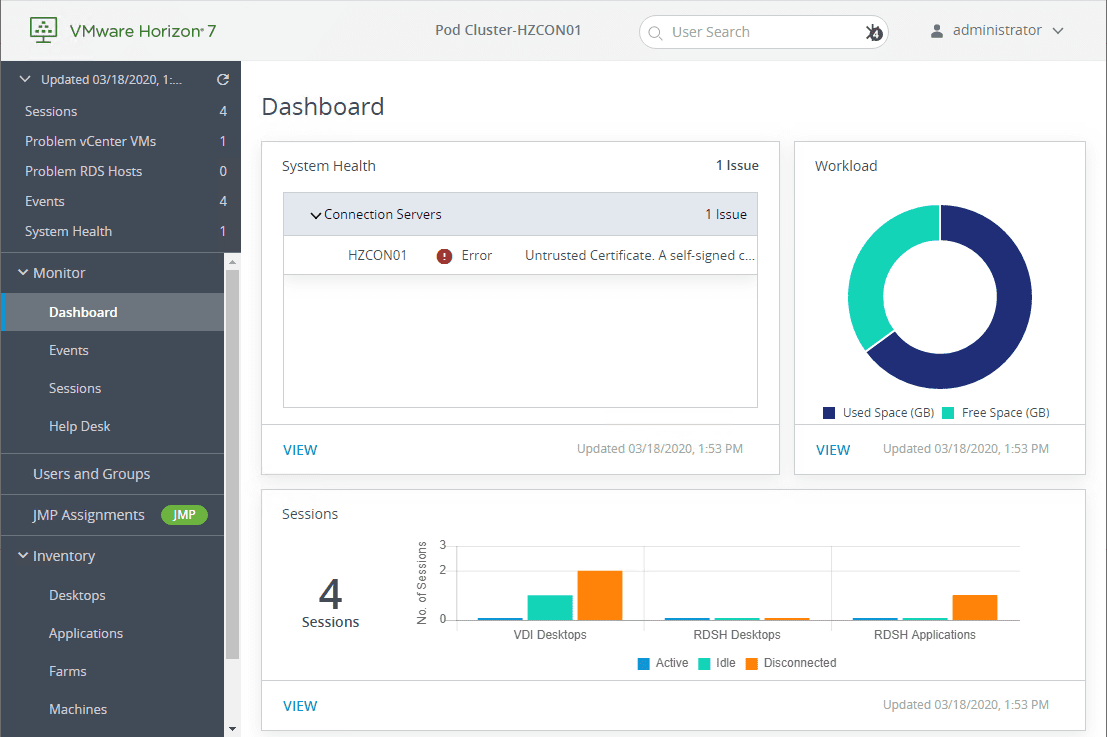
Image source: Virtualizationhowto.com
Horizon is software designed to create and manage virtual desktops (VDIs). It enables enterprises to deploy workstations and applications securely and centrally.
– Horizon View : Manages and deploys virtual desktops under Windows.
– Horizon Apps : Allows to virtualize and distribute applications.
– Horizon Client : Application allowing users to access desktops and applications.
- Connection Server : Links users to hosted desktops/applications.
VMware Horizon is appreciated for its flexibility and centralized management, providing a powerful solution for desktop virtualization. However, its deployment can be complex and requires specific skills. High license costs (starting at $3,116) and sometimes variable performances are also to be considered.
Since Broadcom acquired VMware last November, users face several problems:
– Price increase announced, causing dissatisfaction.
– End of perpetual licenses as of 31 January 2024.
– Lack of communication and uncertainty about the new conditions of use.
Faced with these changes, many companies are looking for alternatives to VMware Horizon.
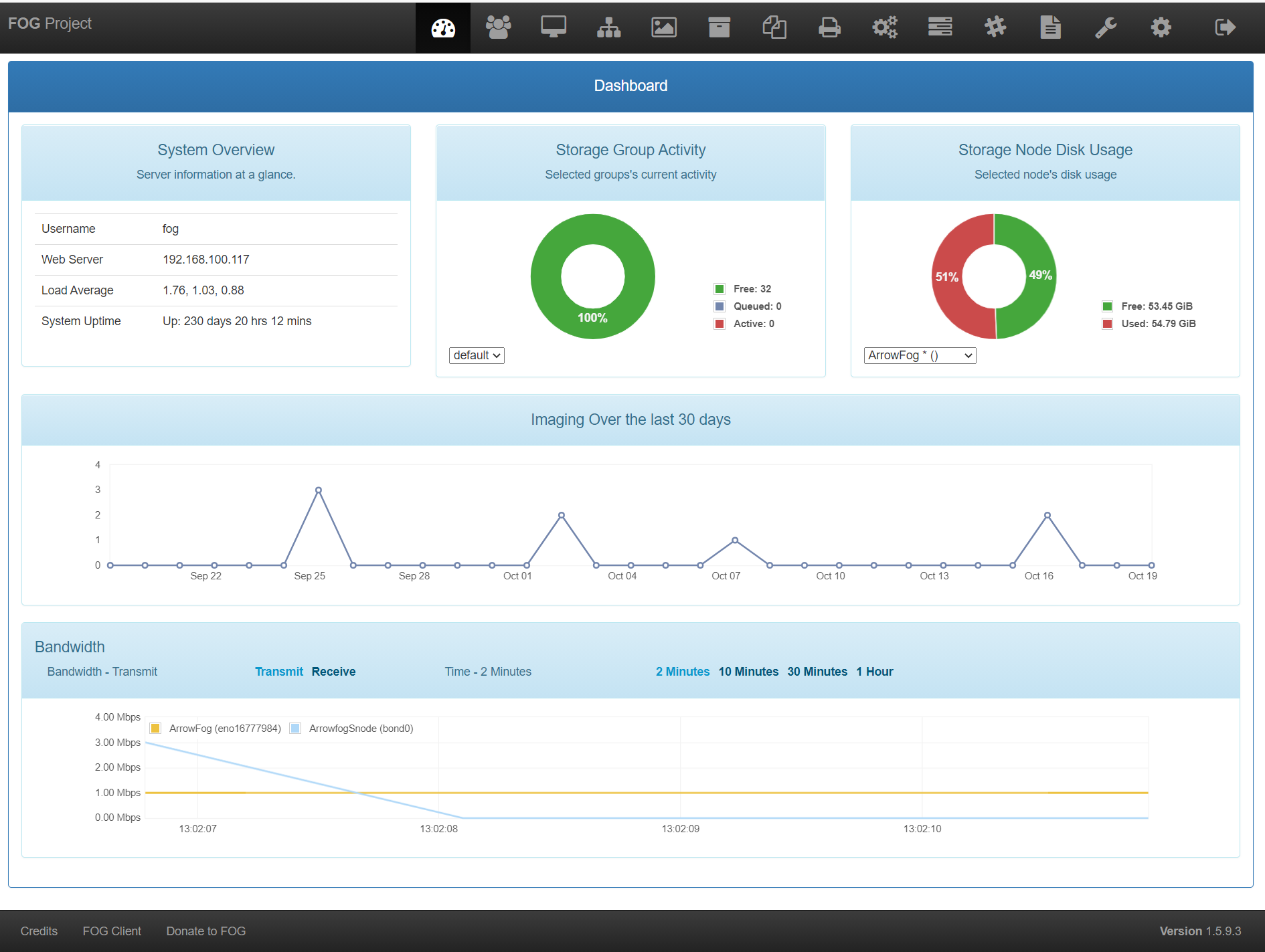
Image source: Docs.fogproject.org
FOG is a free and open-source software to clone, backup and manage PCs remotely. It works with PXE, PartClone and a web interface for ease of use.
– Cloning and deploying operating systems.
- Memory and disk tests.
- Secure erase of disks.
- Antivirus scan.
- Remote inventory management and software installation.
All these actions can be launched via the web interface after registration of machines.
FOG is appreciated for its flexibility and its zero cost, allowing companies and schools to simplify the management of their posts. However, the documentation may be incomplete, making its use sometimes complex.
On large networks, it may require a more robust infrastructure to remain efficient. Finally, security requires constant attention with regular updates and good access management.

Source image : ToutWindows.com
Microsoft Intune is an online tool for companies to manage and secure their employees' devices, whether they are in the office or working remotely. It helps to configure applications, enforce security policies and ensure device compliance.
– Remote Help : Remote technical assistance.
– Endpoint Privilege Management : Management of user privileges.
– Microsoft Tunnel for MAM : VPN management on mobile apps.
– Support for IoT devices.
Intune offers centralized and secure device management, but its complexity can be a drag. The configuration and application of security policies requires advanced skills, which can make its adoption difficult for some companies.
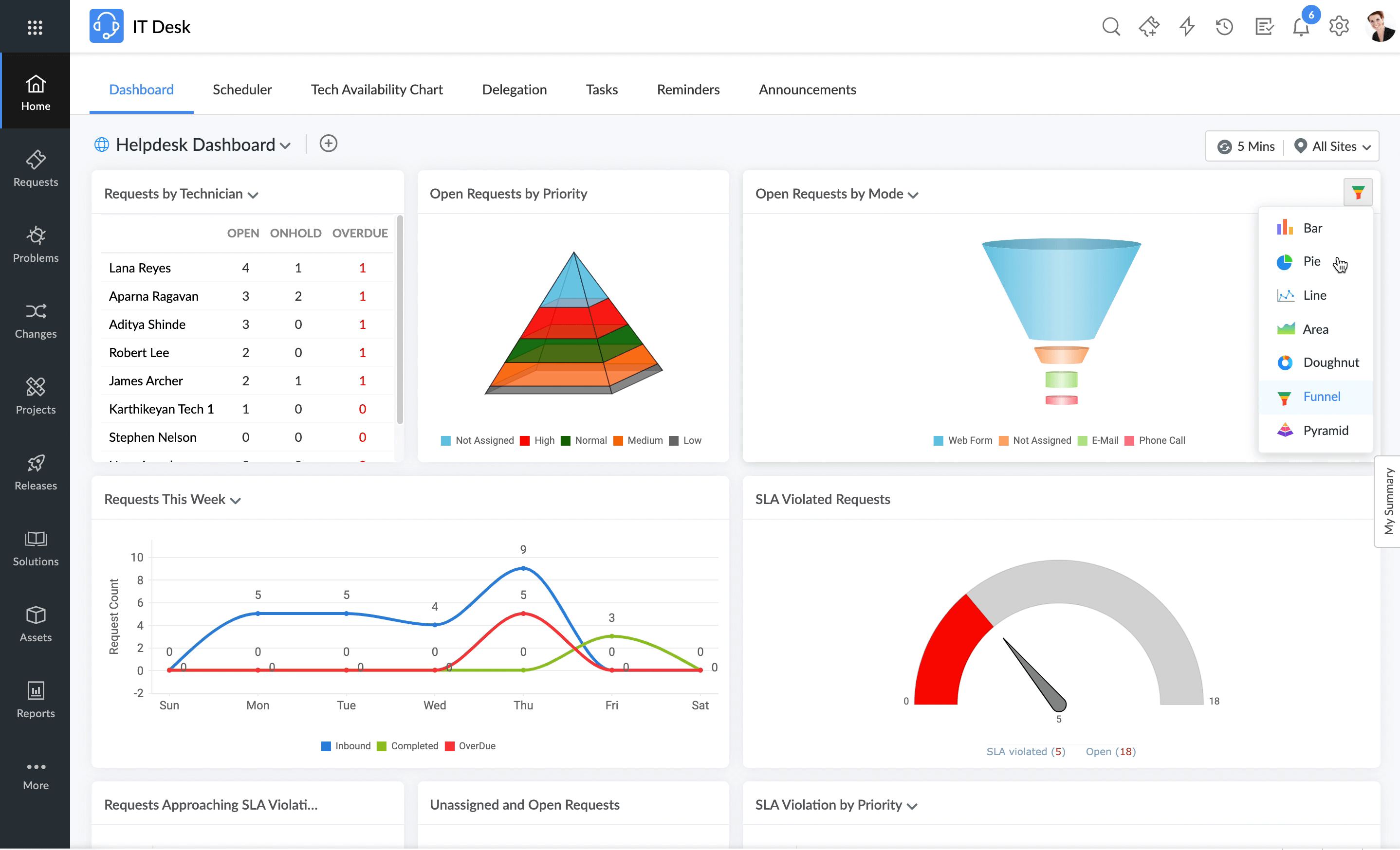
Image source: ManageEngine.com
ManageEngine ServiceDesk Plus is an IT service management tool that centralizes incident, asset and process management. It includes a CMDB integrated and addressed to various teams such as HR or Finance.
– Available in cloud and on-premise versions.
– Management of incidents, issues, changes and IT assets.
– ITIL 4 certified ITSM modules.
– Creating custom workflows to automate processes.
ServiceDesk Plus is a flexible and comprehensive solution, but its installation can be complex and require technical expertise. Its cost can also be high for large enterprises. In addition, learning advanced features requires some learning and performance issues may occur with large numbers of users or a large database.
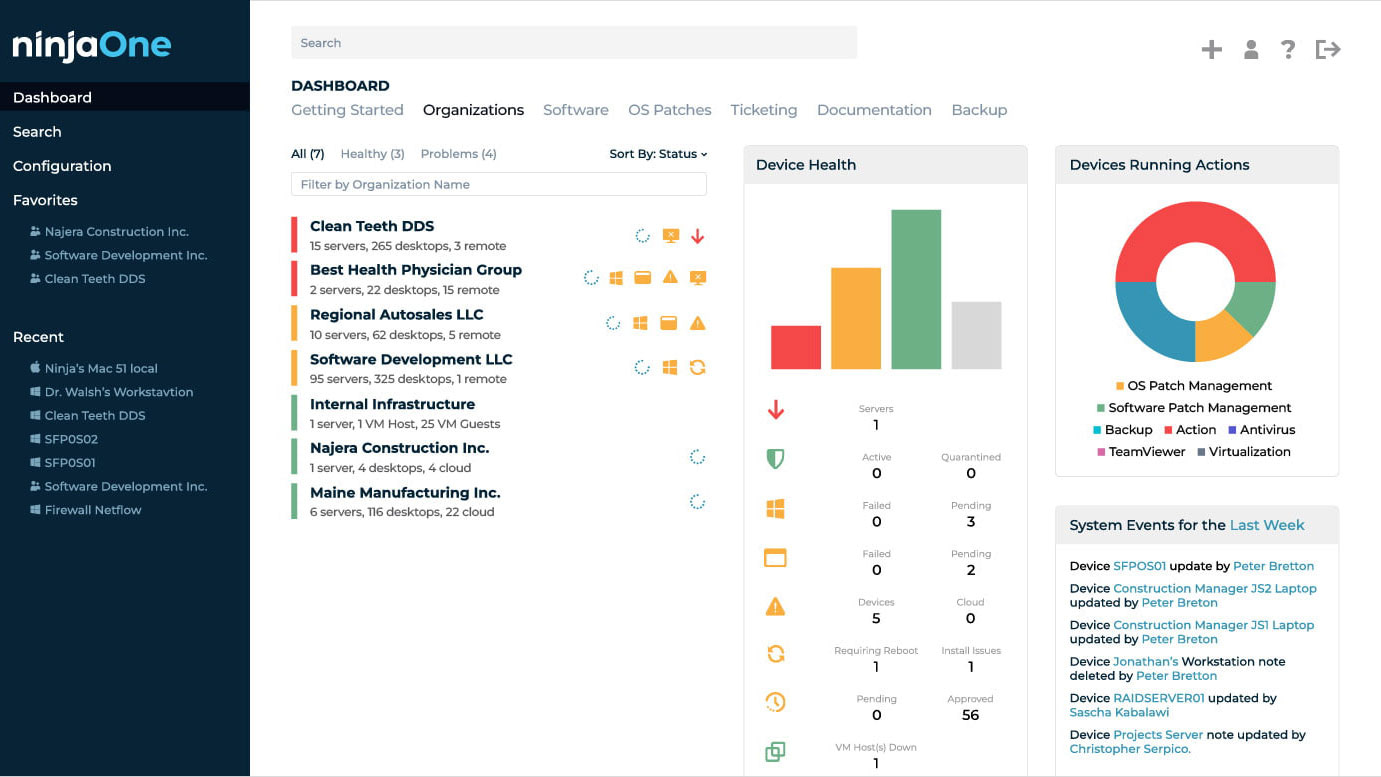
Image source: NinjaOne.com
NinjaOne is a cloud-based software solution that enables businesses and IT services to manage and secure their Windows, Mac and Linux devices from a centralized platform. Provides real-time monitoring and automates repetitive tasks to improve IT team efficiency.
– Remote terminal management and monitoring.
– IT task automation.
– Fast and intuitive interface.
– Free and unlimited training and support.
NinjaOne is appreciated for its ease of use, efficient remote management and integration with other tools. However, its cost can be high because it is based on a per-device payment model. Some users also report frequent logouts.
In conclusion, the choice of a centralized workstation management solution is a strategic decision based on a careful assessment of the company’s specific needs, budget and preferences for functionality and integrations.
It is imperative for IT decision makers to carefully consider the pros and cons of each option presented, taking into account both the ease of use, integration with other platforms, the efficiency of remote management and the wealth of features offered.
By making an informed decision, organizations can ensure optimal management of their IT assets while striking the right balance between functionality and usability. Ultimately, the goal is to choose a solution that perfectly meets the specific needs of the company, while providing significant added value to its IT infrastructure.
Article written by Lilya Bendris