

Teleworking and hybrid work are now an integral part of most companies. Improving employee satisfaction, boosting flexibility, reducing costs and many other advantages are brought by these new ways of working. However, caution has to remain, as telecommuting also brings its share of risks in terms of computer security.
Working from home can quickly give way to cyber-attack risks. It is therefore essential to take a look at them in order to ensure perfect security! Cybercriminals take advantage of the lack of security when you work from home to make their activities flourish, like ransomwares or phishing. These attacks can then have a big impact on your business. The most obvious is the financial impact.. By no longer having access to certain tools and data, you may be blocked in your work. Depending on the length of the incident, the financial deficit can be more or less important. Beyond the wallet, your company’s image also takes impacted. Loss of confidential data, for example, can drastically diminish the trust your partners and customers have for your organization.
But do not stress too much, there are several measures to limit the risks. We reassure you that working from home safely is indeed possible!
Forget about free versions of Avast or Norton. Boosting the equipment for your station with a professional antivirus is the basic step for its security. Should it still be used wisely. It is essential toalways update your antivirus to guarantee its performance. We also advise you to completely scan your device regularly, to detect malware as quickly as possible.
With the advent of teleworking, employees are forced to use a remote network, which can amplify the risk of cyber attacks. The use of a VPN (Virtual Private Network) is therefore highly recommended to work safely. This virtual network allows you to benefit from a secure connection, encrypting and hiding your data. It therefore makes your information less accessible and limits the risk of cyber attacks. The VPN is therefore essential to secure your equipment while being at home. Discover the best VPN softwares with a free trial for personal use.
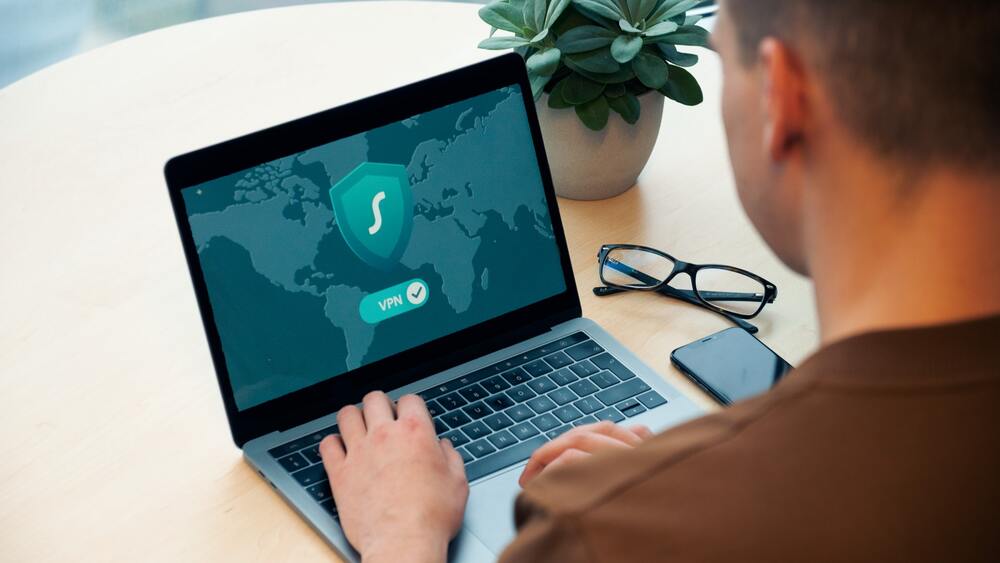
The essential tip to use your computer safely is to use a network with private and safe Wi-Fi. Simply because the connection to a public wifi network leaves many doors open to people or malware. It is therefore more prudent to use a private network with a complex password and encrypted, to navigate the web in peace. To a lesser extent, the use of connection sharing is also to be preferred when travelling in front of the public wifi network. You still need a very robust password and limit access to your share for optimal security.
It’s basic advice in terms of IT security, but it’s essential to backup your data regularly. A secure backup allows you to preserve your data from cybercriminal intentions. It can also be done in different ways: directly on your computer, on your company’s servers, on the cloud, etc.
Updates are not there just to look pretty, they play a crucial role in the use of software and operating system. Not doing them would be like taking out the red carpet to make room for cybercriminals. We strongly recommend that you make the necessary updates in due course.
Telework and hybrid work are now essential for businesses. They bring flexibility, cost reduction and employee satisfaction. But they also expose to cybersecurity risks. Cyber-attacks, such as phishing and ransomware, can result in financial losses, business disruptions and damage to the company’s image. It is therefore crucial to implement appropriate solutions to ensure secure remote work.
The adoption of good practices is a first step. Using a professional antivirus, VPN or alternative, a private Wi-Fi network and regular updates helps to limit the risks. But these measures are not always sufficient. For optimal protection, companies must rely on efficient solutions that are easy to manage.
W360 perfectly meets these challenges. This solution ensures centralized and secure management of workstations. Thanks to Wisper Connect alternative VPN, employees access their workspace remotely and securely. The connection is smooth and fast, without relying on heavy infrastructures.
SSO authentication (Single Sign-On) also simplifies access to business applications. A password is all you need to open everything. This reduces the risk of hacking and facilitates identity management for IT teams.
With W360, le télétravail devient plus sûr et plus efficace. Les entreprises assurent la continuité de leurs activités, protègent leurs données et offrent une meilleure expérience à leurs collaborateurs. W360 est une solution clé pour un travail hybride maîtrisé et sécurisé.